A Safe, Friendly AI Learning Buddy for Kids Aged 4–12
Kido AI is an AI companion made for children, so curious kids can ask questions and learn in a way that feels like play.
Available on iPhone, iPad and Android · 500+ downloads on Google Play
Children ask a lot of questions, and general AI chatbots are built for adults. Kido AI is designed for kids aged 4 to 12: a friendly AI buddy that turns curiosity into learning and keeps it fun.
It is for parents who want their child's first AI experience to be in an app made for children, and for kids who love asking "why?".
Watch Kido AI in Action
KidoAI - Parent Dashboard
Kido AI Screenshots
Kido AI Features
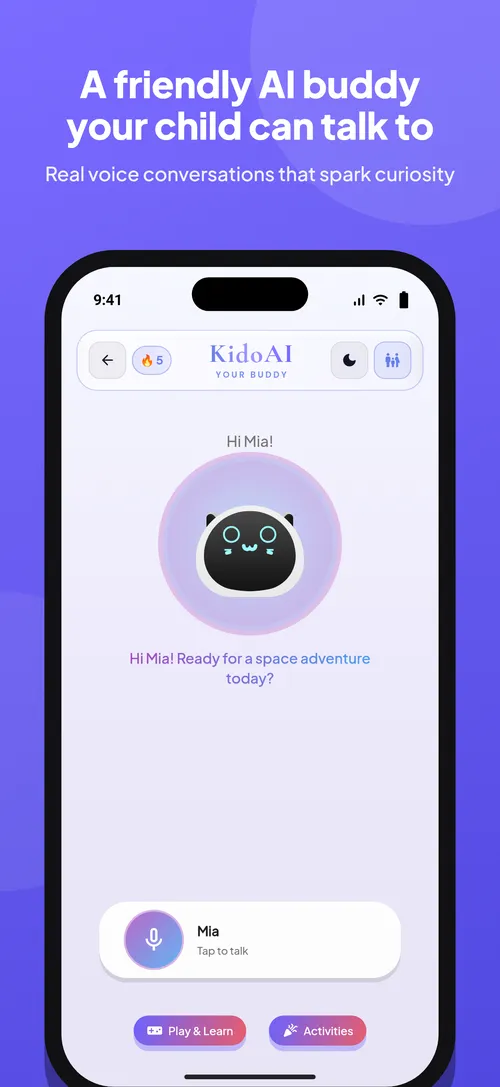
- Real voice conversations with a friendly AI buddy, made for ages 4–12
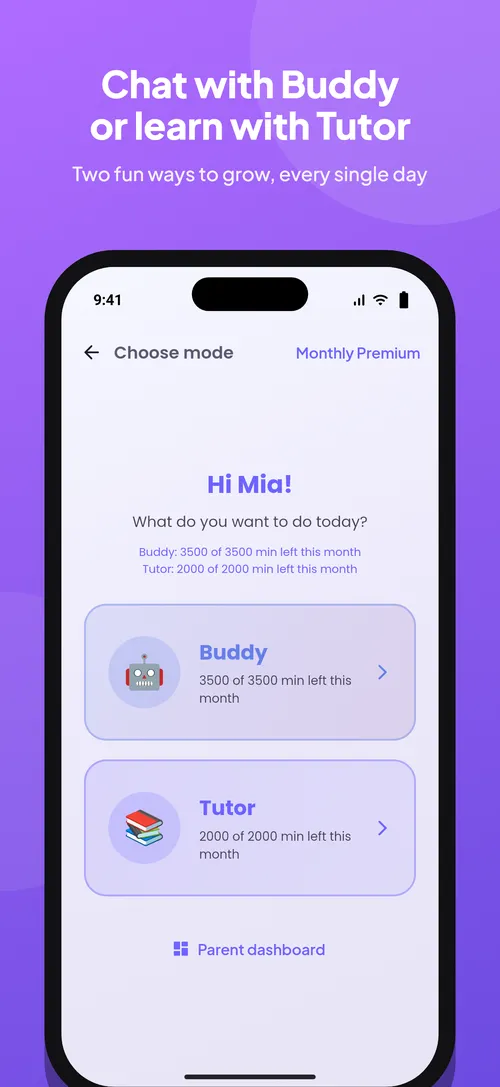
- Two modes: chat with Buddy or learn with Tutor
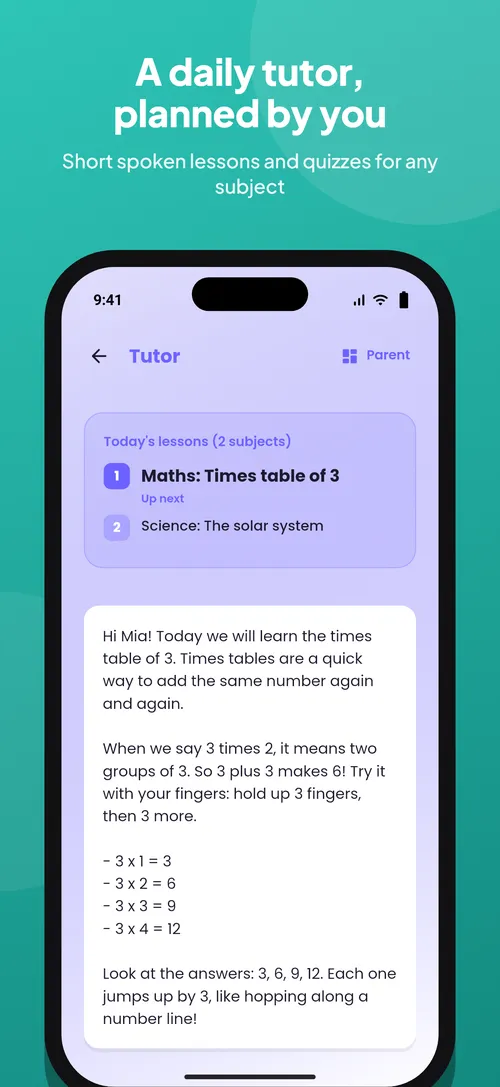
- Tutor Mode: short spoken lessons and quizzes on any subject, planned by parents
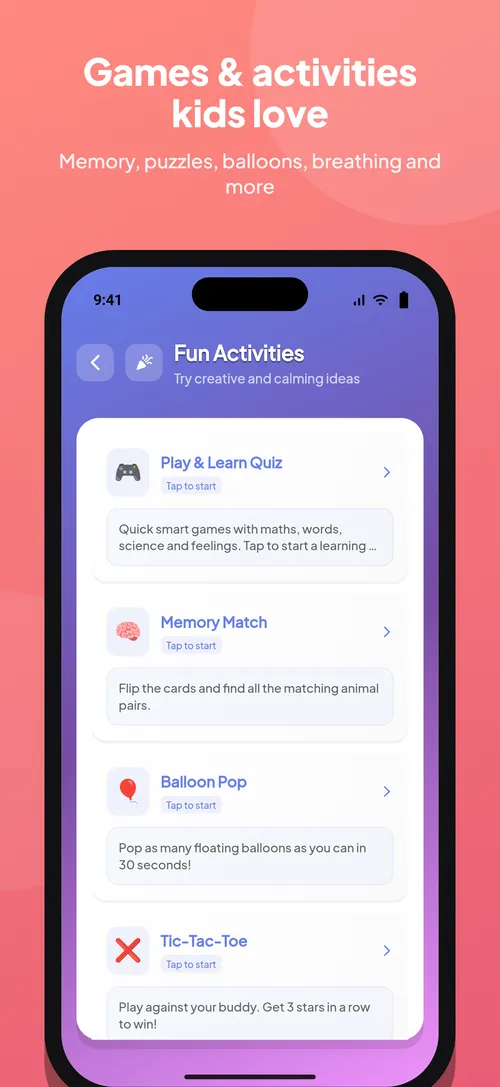
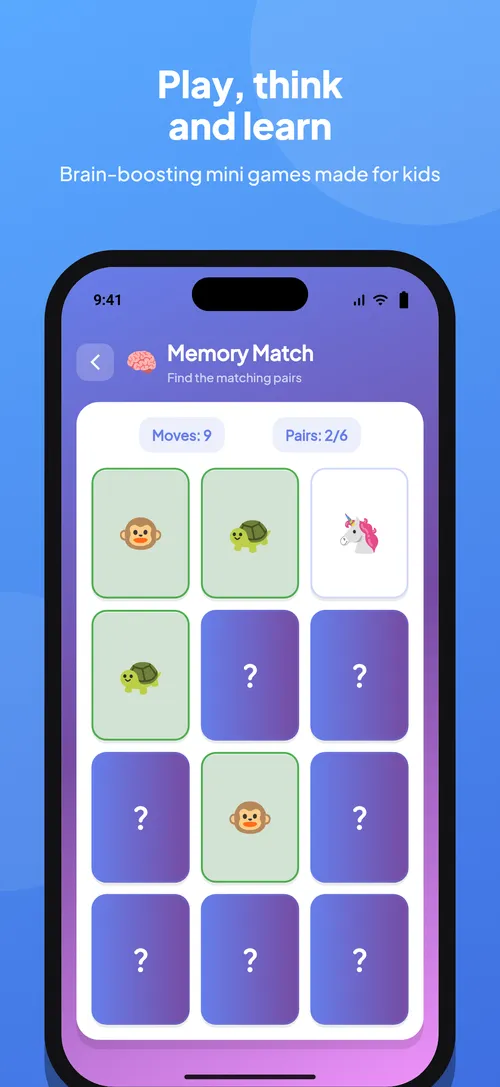
- Games and activities: quizzes, Memory Match, Balloon Pop, Tic-Tac-Toe, puzzles and breathing
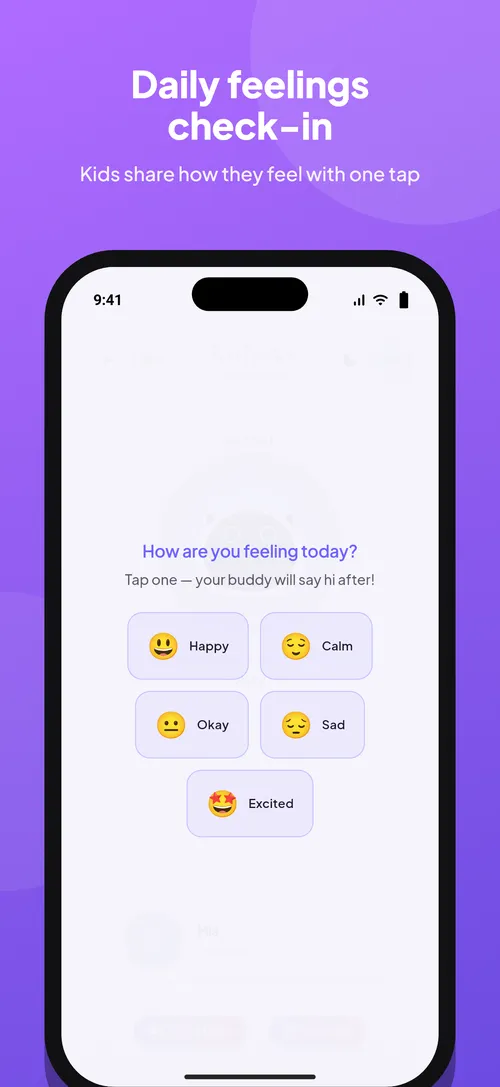
- Daily feelings check-in in one tap
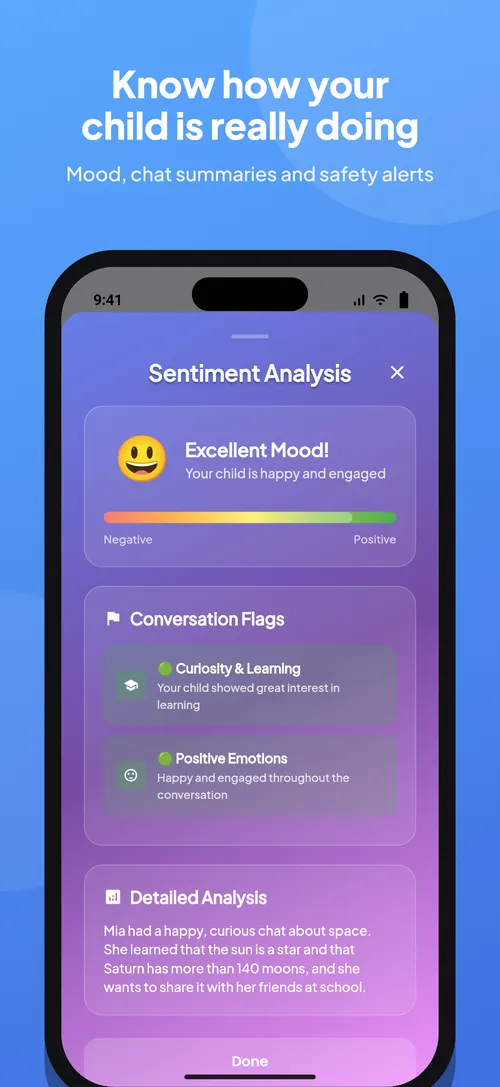
- Parent dashboard with mood insights, chat summaries and safety alerts
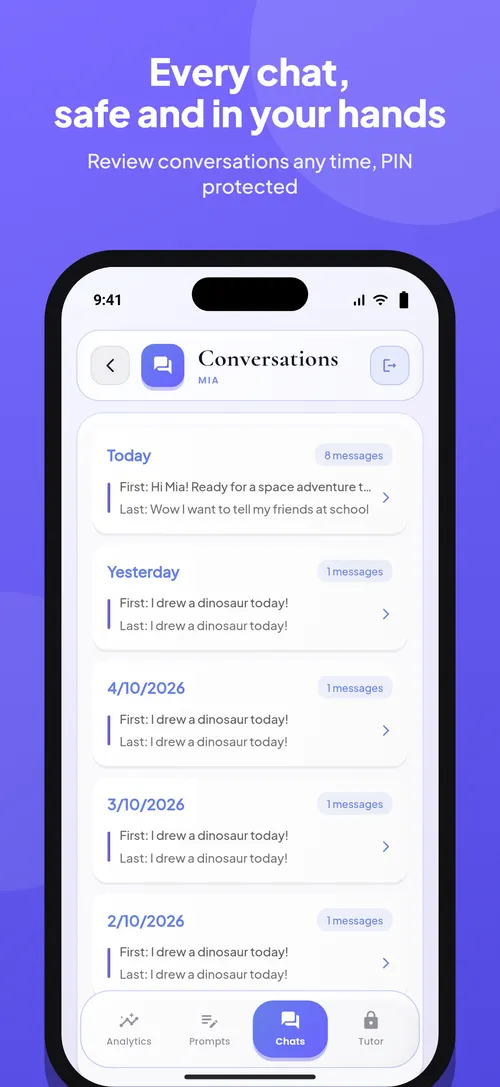
- Parents can review every conversation, PIN protected
- Ad-free and built with children's privacy (COPPA) in mind
How Kido AI Works
- 01
Install Kido AI
Download Kido AI from the App Store or Google Play on your child's device or a family phone or tablet.
- 02
Your child asks a question
By typing or by voice: anything they are curious about, from animals and space to words, numbers and how things work.
- 03
Kido answers like a buddy
Kido replies in a friendly way made for children, so learning feels like a conversation rather than homework.
- 04
Parents stay in control
Use the parent dashboard and Tutor Mode to choose lessons and quizzes, and sit with younger children while they explore.
What People Use Kido AI For
Endless "why?" questions
A patient buddy for the questions that come up all day.
Learning that feels fun
Turn curiosity into a habit of learning something new.
Made for children
An AI experience built for ages 4–12 instead of an adult chatbot.
Voice chat
Children who can't read or type yet can simply talk to Kido.
Games that teach
Quizzes, Memory Match, Balloon Pop, Tic-Tac-Toe and calming breathing activities.
Feelings check-in
Kids share how they feel each day with one tap.
Tutor Mode
Lessons and quizzes you control, for practice that feels like play.
Parent dashboard
Parents stay involved and in control from their own dashboard.
What Kido AI Won't Do
Good to know before you download.
- Kido AI is a learning companion, not a replacement for teachers, parents or professional advice.
- Like any AI, it can occasionally get things wrong, so check important facts together.
- Young children should use it with a parent or carer nearby.
Kido AI FAQ
Get Kido AI
A safe, friendly AI companion for children aged 4–12 that makes learning fun.
More Apps From Arts By Yaseen
 Decoryx AI · Redesign your room from a photo
 Funkar AI · Turn ideas into AI images and videos
 Andaaz AI · Try hairstyles and outfits on your photo
 Mizaaj · Daily mood check-ins with an AI buddy
 PlayConnect · Find padel, tennis and badminton players near you
Kido AI is designed, built and published by ABY Tech, the app studio of Arts By Yaseen. Want an app like this for your business? See our mobile app development service, or our app promo videos to market an app you already have.