Redesign Your Room From a Photo with AI
Decoryx AI turns a photo of your space into a redesigned version in the style you describe, for interiors and exteriors.
Available on iPhone, iPad and Android · 50+ downloads on Google Play
Picking paint, furniture or a whole new style is hard when you can only imagine the result. Decoryx AI lets you see it first: take a photo of your living room, bedroom, kitchen or the front of your house, describe the look you want, and the AI redesigns that exact space.
It is built for homeowners, renters, people about to move, and anyone planning a makeover who wants to compare a few directions before spending money.
Watch Decoryx AI in Action
Decoryx AI Screenshots

Decoryx AI Before and After
Real results made with Decoryx AI.
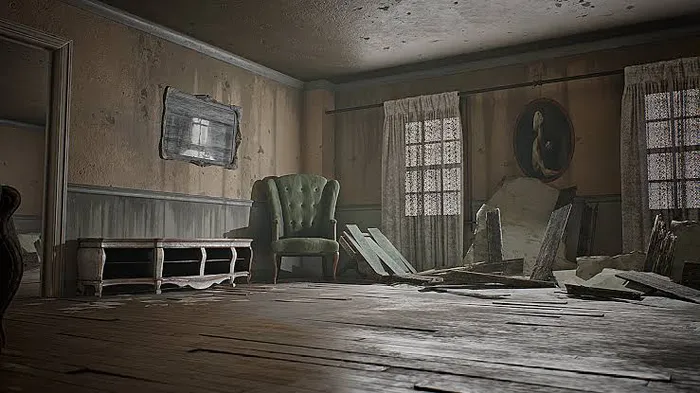 Before
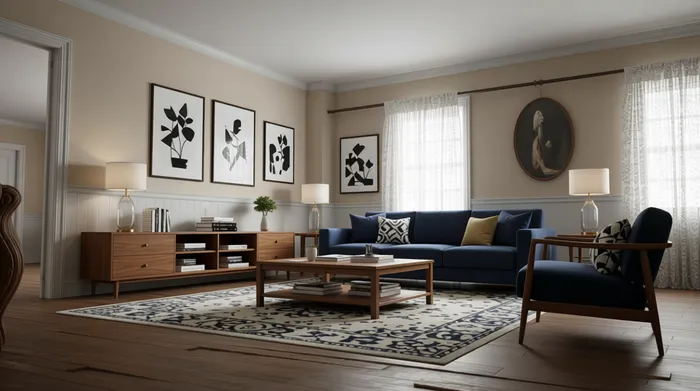 After
After Before
 After
After Before
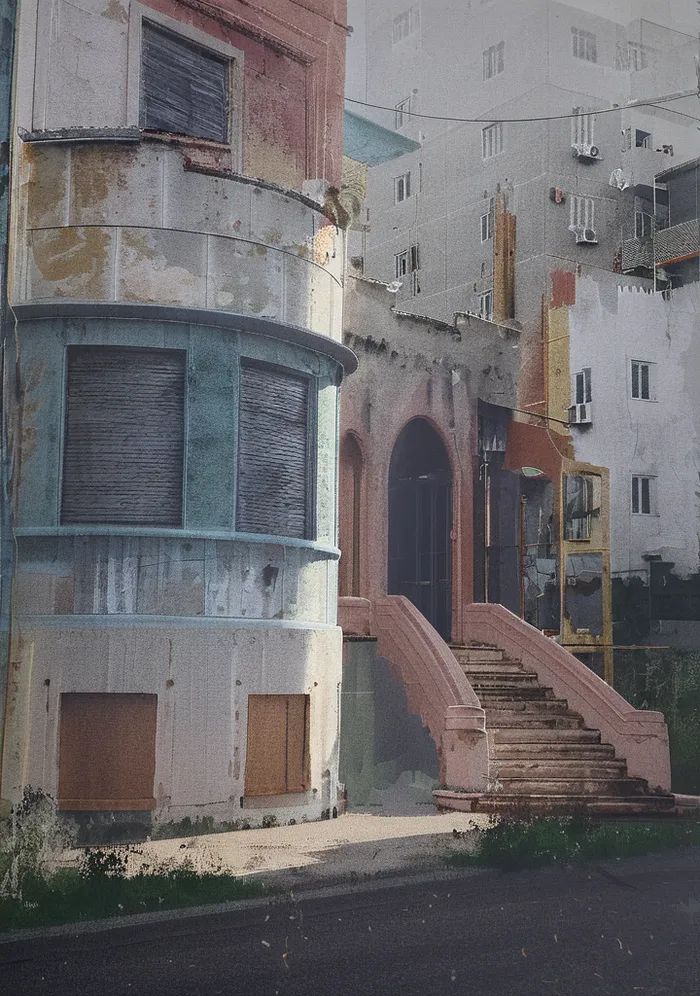 After
After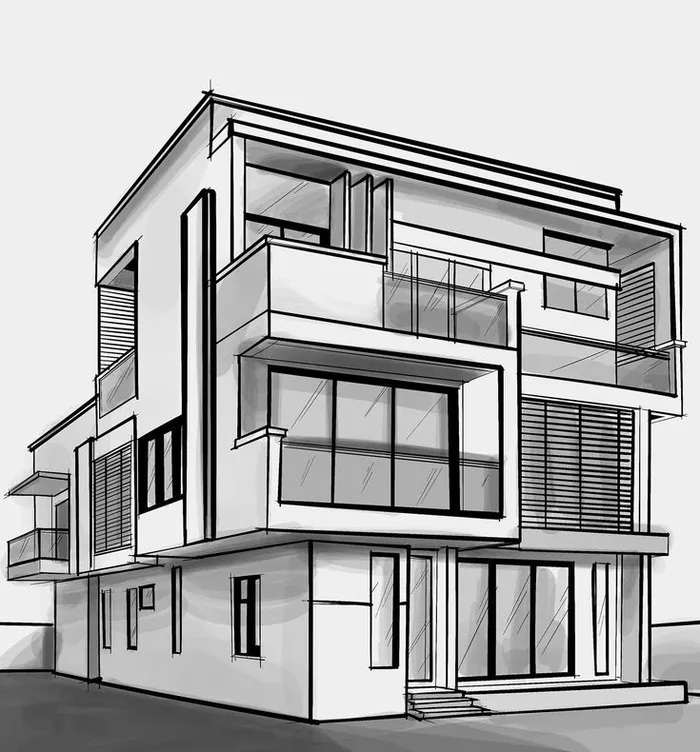 Before
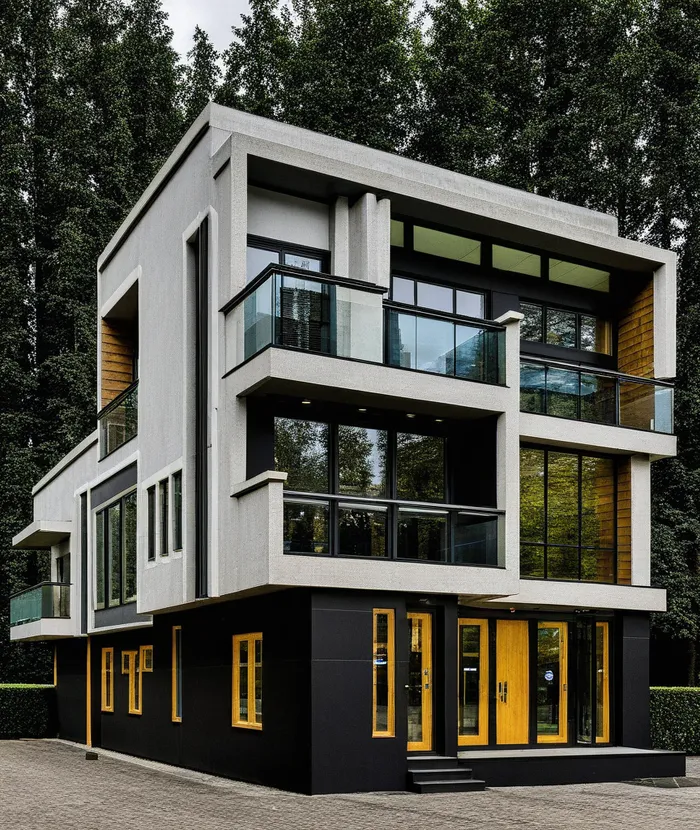 After
After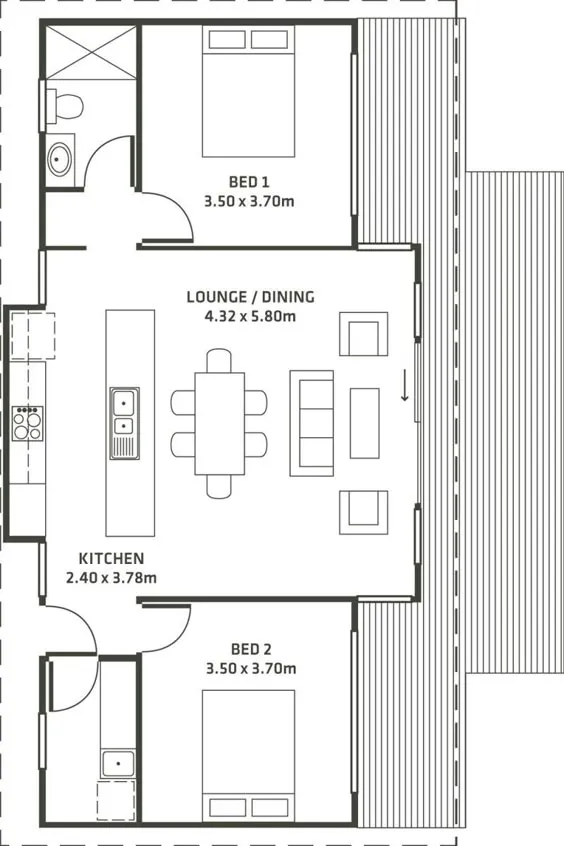 Before
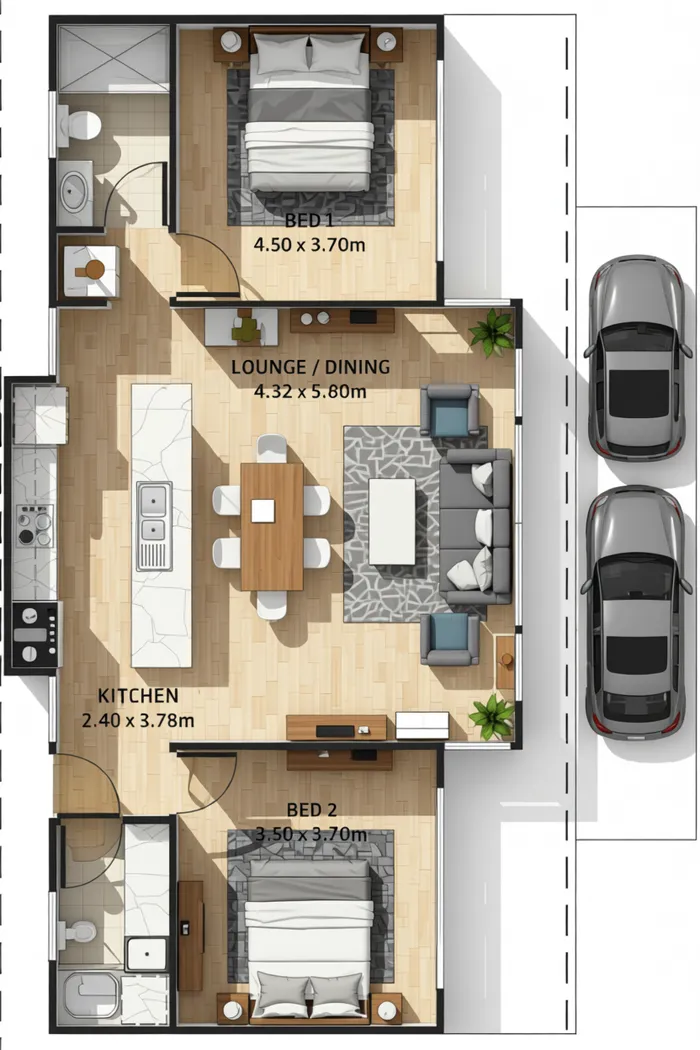 After
After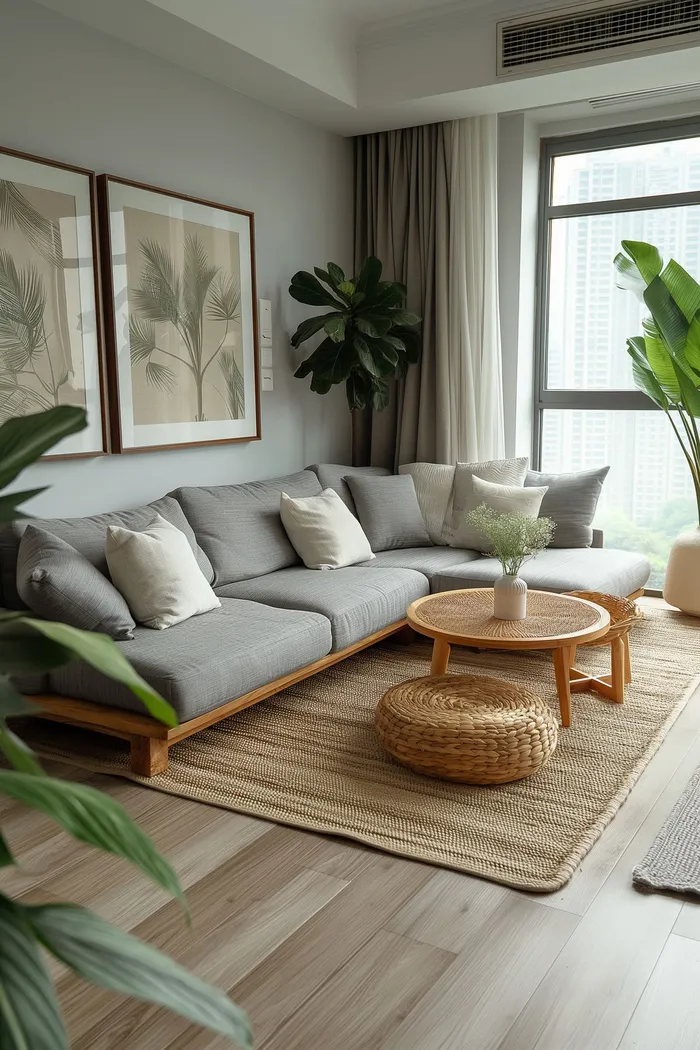 Before
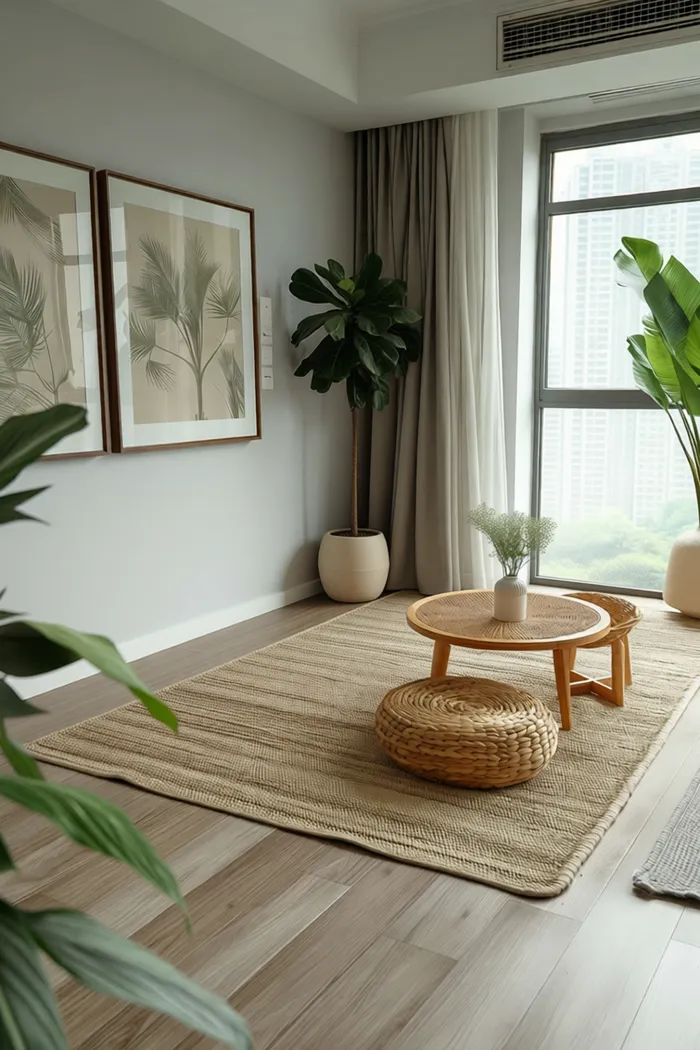 After
AfterDecoryx AI Features
- AI interior and exterior makeovers from a photo
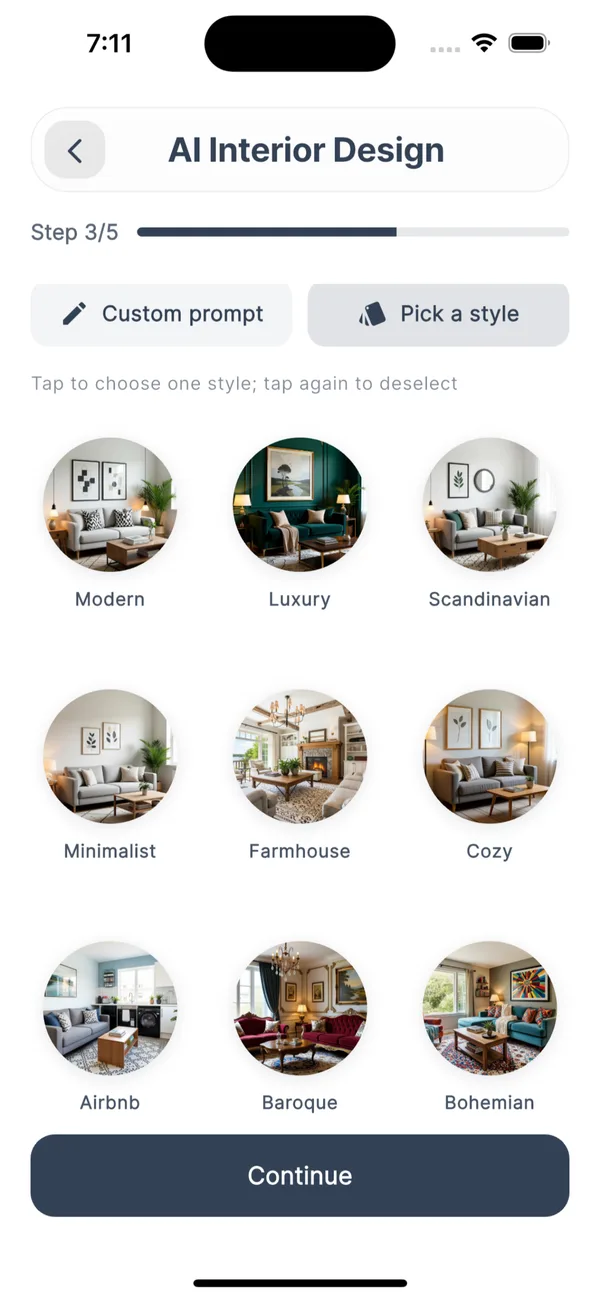
- Pick a style (Modern, Luxury, Scandinavian, Minimalist, Farmhouse, Cozy, Bohemian and more) or write a custom prompt
- Room decor ideas
- Sketch to render
- Floor planning
- Smart object cleanup to remove clutter from a photo
How Decoryx AI Works
- 01
Take or upload a photo
Photograph the room or exterior you want to change. A bright, straight-on photo that shows most of the space gives the best results.
- 02
Pick a style or describe it
Tap a ready-made style such as Modern, Scandinavian, Farmhouse or Bohemian, or write your own prompt: "light wood, white walls, cosy".
- 03
Let the AI redesign it
Decoryx AI generates a redesigned version of your own space, keeping its layout so you can picture the change.
- 04
Compare and try again
Not quite right? Change the description and generate another version until you find the direction you like.
What People Use Decoryx AI For
Living room & bedroom makeovers
Preview a new style, wall colour or furniture mood before you buy anything.
Kitchens & bathrooms
See how a different finish or colour scheme could change the feel of the room.
Home exteriors
Redesign the outside of your house: facade colours, materials and overall look.
Moving into a new place
Photograph an empty or dated room and explore what it could become.
Agreeing on a style
Show a partner, family member or designer a picture instead of trying to describe it.
Quick inspiration
Try several styles in a few minutes to find what you actually like.
What Decoryx AI Won't Do
Good to know before you download.
- It shows a visual concept, not a measured floor plan or a construction drawing.
- Colours, materials and furniture in the image are illustrations, not specific products you can order.
- Results depend on your photo: dark, blurry or very close-up photos give weaker redesigns.
- For structural work, wiring or plumbing, talk to a qualified contractor or architect.
Decoryx AI FAQ
Get Decoryx AI
Upload a photo of your space, describe your dream look, and let AI redesign your interior or exterior.
More Apps From Arts By Yaseen
 Kido AI · A safe AI learning buddy for kids
 Funkar AI · Turn ideas into AI images and videos
 Andaaz AI · Try hairstyles and outfits on your photo
 Mizaaj · Daily mood check-ins with an AI buddy
 PlayConnect · Find padel, tennis and badminton players near you
Decoryx AI is designed, built and published by ABY Tech, the app studio of Arts By Yaseen. Want an app like this for your business? See our mobile app development service, or our app promo videos to market an app you already have.